 Shotzly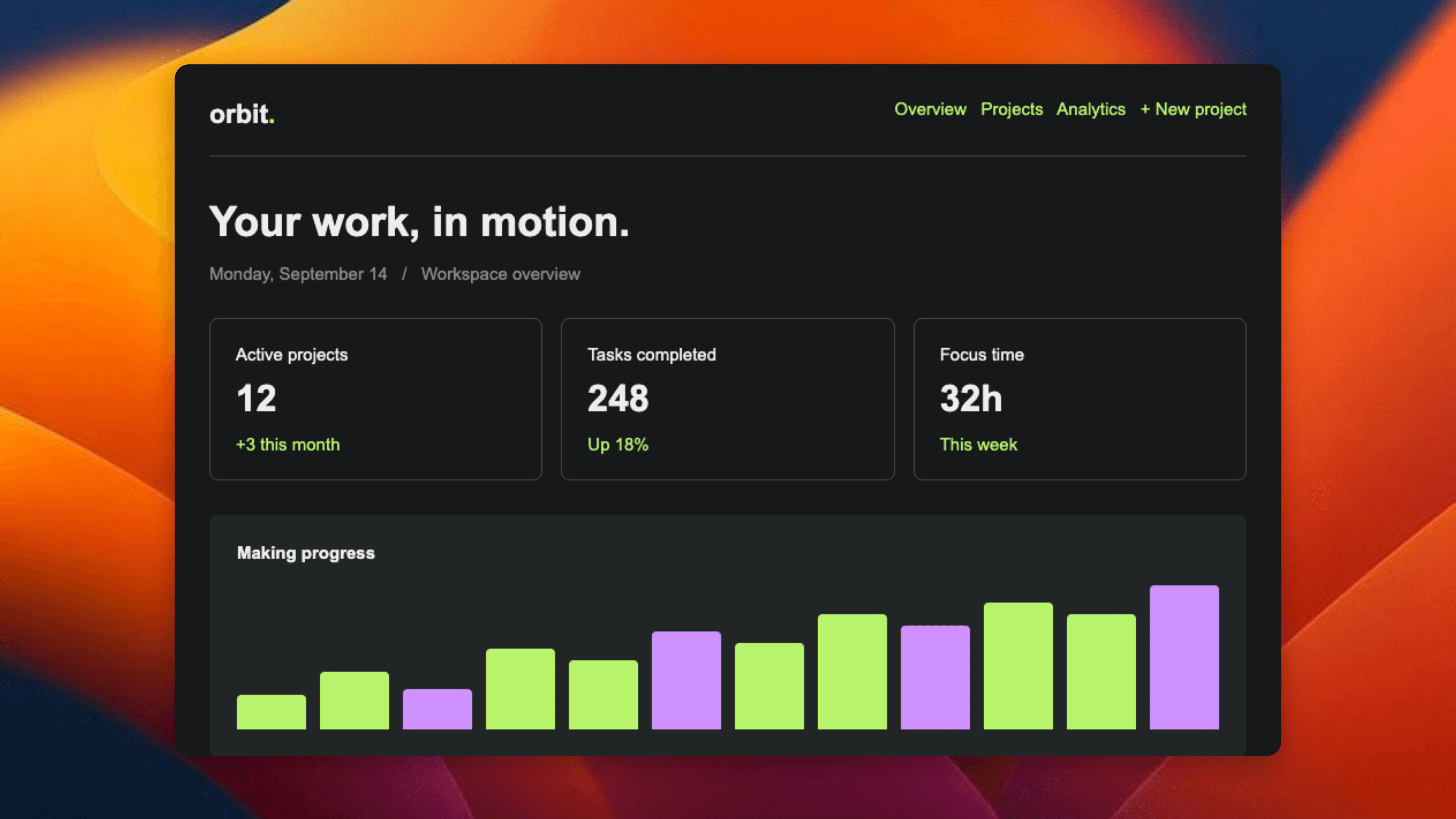
PRODUCT ANNOUNCEMENT
A little polish. A lot more you.
Turn what you're building into something worth sharing.
Free to create. Yours to share.
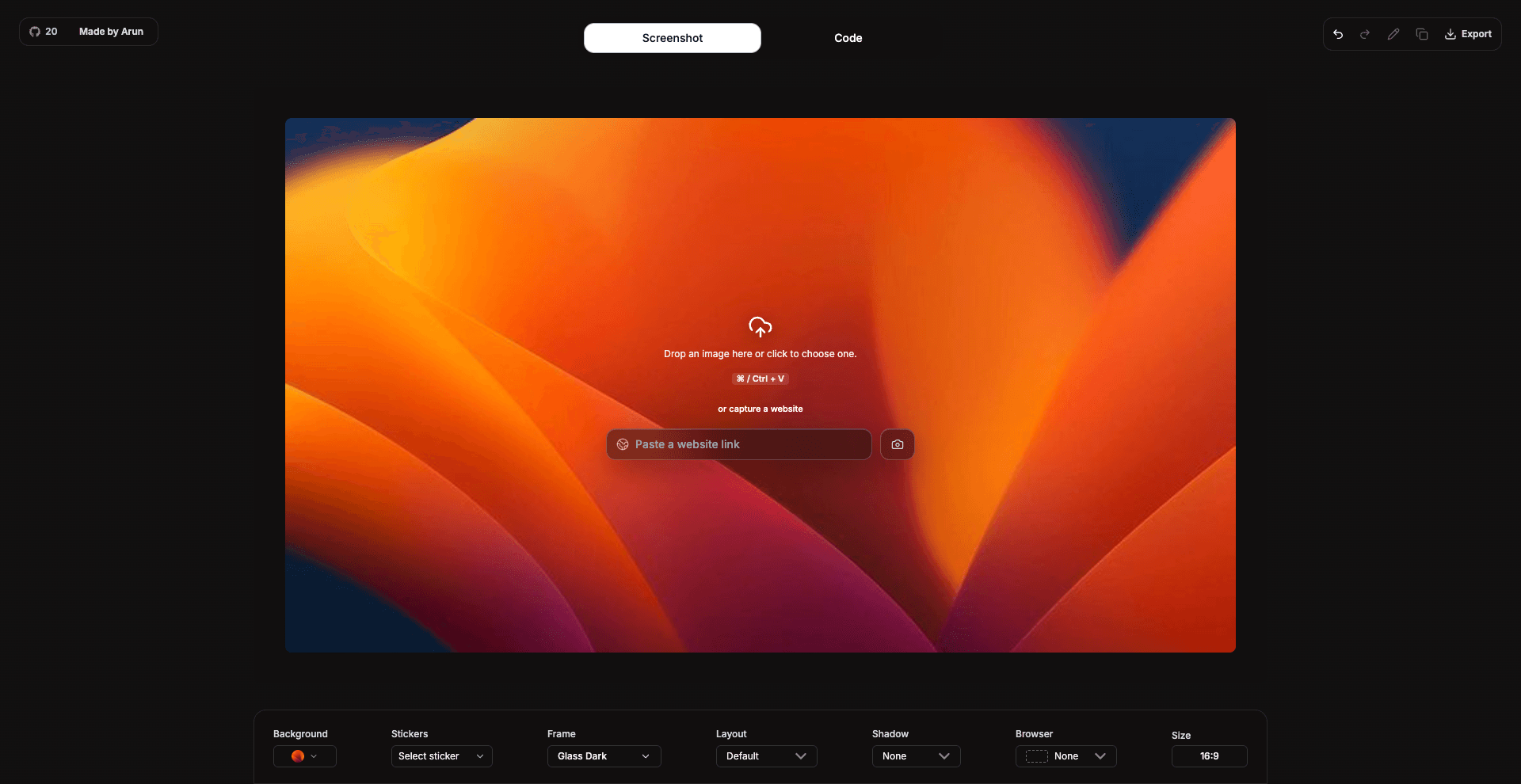
A FEW GOOD STARTING POINTS
Your launch, your tutorial, your latest win.
PRODUCT ANNOUNCEMENT
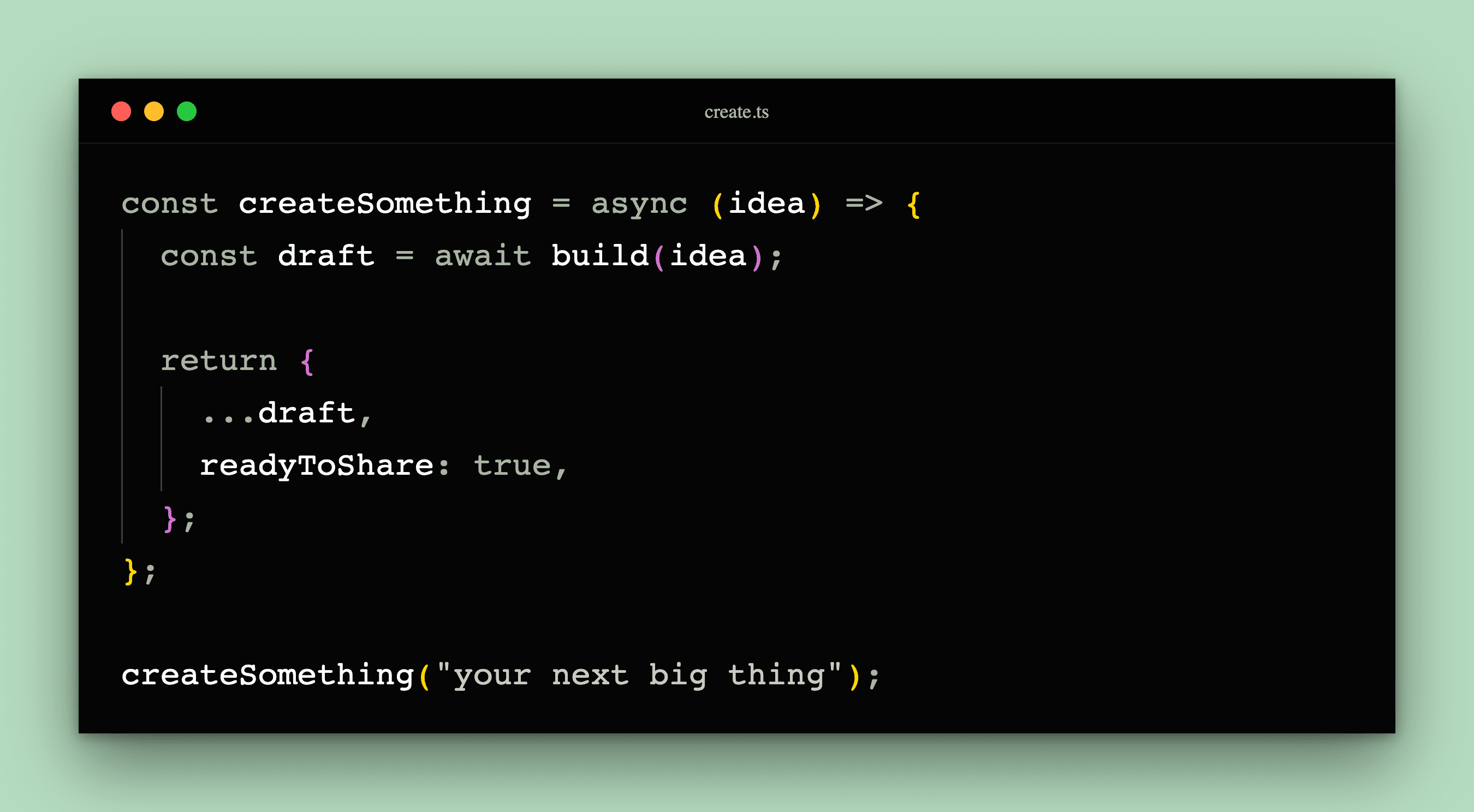
DEVELOPER STORIES
BEFORE & AFTER
SAME SCREENSHOT. DIFFERENT FEELING.
THE DETAILS MAKE THE DIFFERENCE
Paste code, choose a language, apply syntax highlighting, and export clean code screenshots for documentation, blogs, GitHub README files, and social posts.
Arrange multiple screenshots on one background. Give each image its own position, frame, and finishing touches.
Crop the distractions, annotate the details, hide private information, or add a little personality with a sticker.
Shotzly is a free online code snippet generator and screenshot editor built for developers who want to create clean, beautiful, and shareable visuals in seconds.
Yes. Shotzly supports syntax-highlighted code snippets with themes, backgrounds, window styles, and export controls.
Yes. The screenshot editor lets you upload or capture screenshots, apply gradients, frames, shadows, blur, aspect ratios, and export polished images.
Real feedback from X users

@TechByTaraa

@pranavcodes_

@@6083Shambhavi

@@godnondsilva

@@anmldev

@@Manixh02

@satra_heytt

@buildwithshyam

@techificial