 Shotzly
Syntax-highlighted code images
Paste JavaScript, TypeScript, HTML, CSS, Python, or other code and turn it into a clean visual with readable highlighting.
100% Free | No Signup | No Watermarks
Turn any snippet into a syntax-highlighted code image in seconds. Choose a theme, background, window frame, and line numbers, then export as PNG or SVG.
100% free | no signup | no watermark
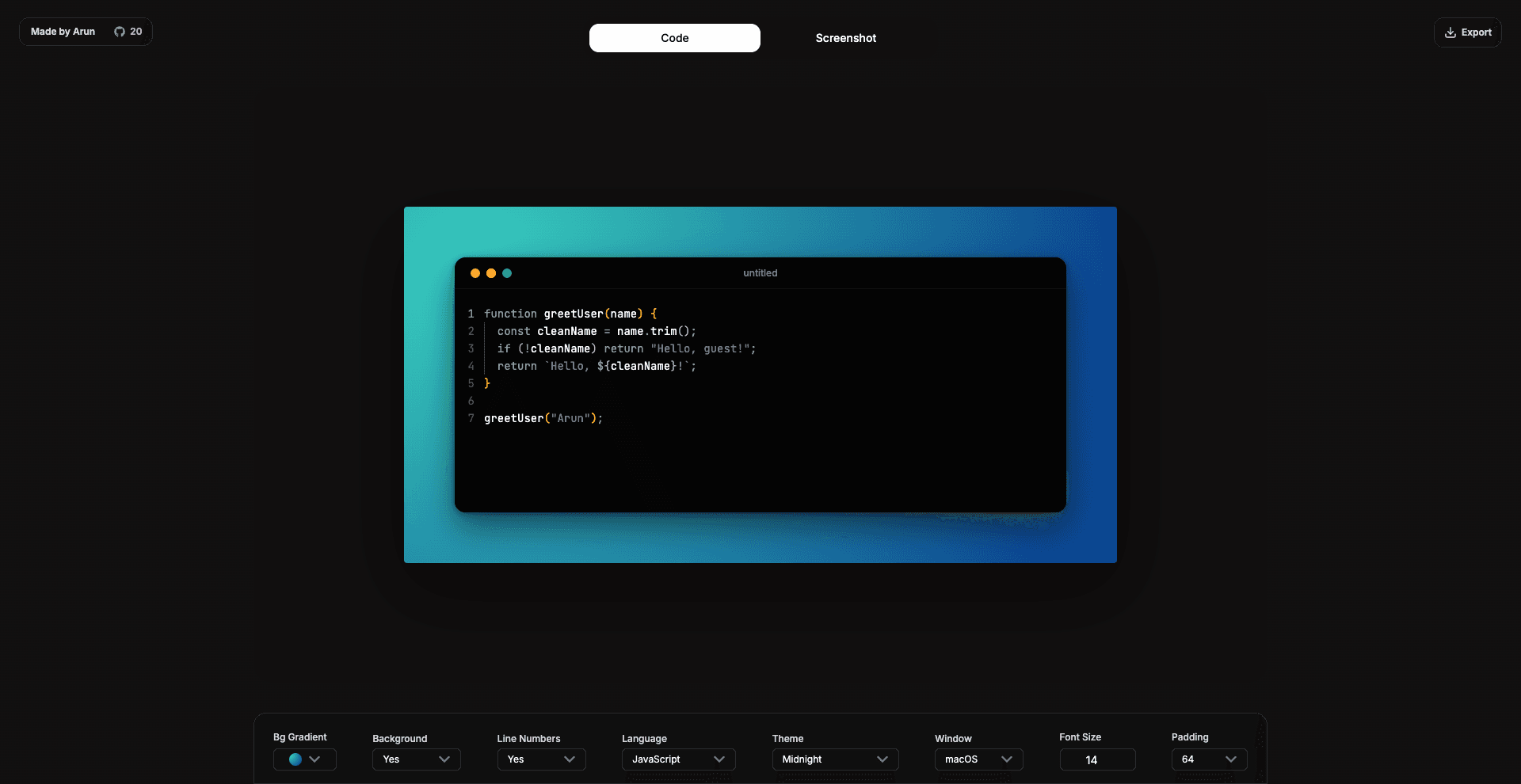
Use this code to image generator to make readable visuals for docs, GitHub READMEs, blog posts, tutorials, and social media.
Paste JavaScript, TypeScript, HTML, CSS, Python, or other code and turn it into a clean visual with readable highlighting.
Choose editor themes, gradients, padding, shadows, window styles, and line numbers to match the place you are sharing.
Download PNG or SVG files, or copy the generated code image directly to your clipboard when you need to move fast.
Fast workflow
Yes. Shotzly is free to use in the browser and does not add watermarks to exported code images.
No. You can open the generator, create a code snippet image, and export it without creating an account.
Yes. The editor is built for shareable code visuals for X, LinkedIn, blogs, docs, README files, and tutorials.