 Shotzly
Upload or capture
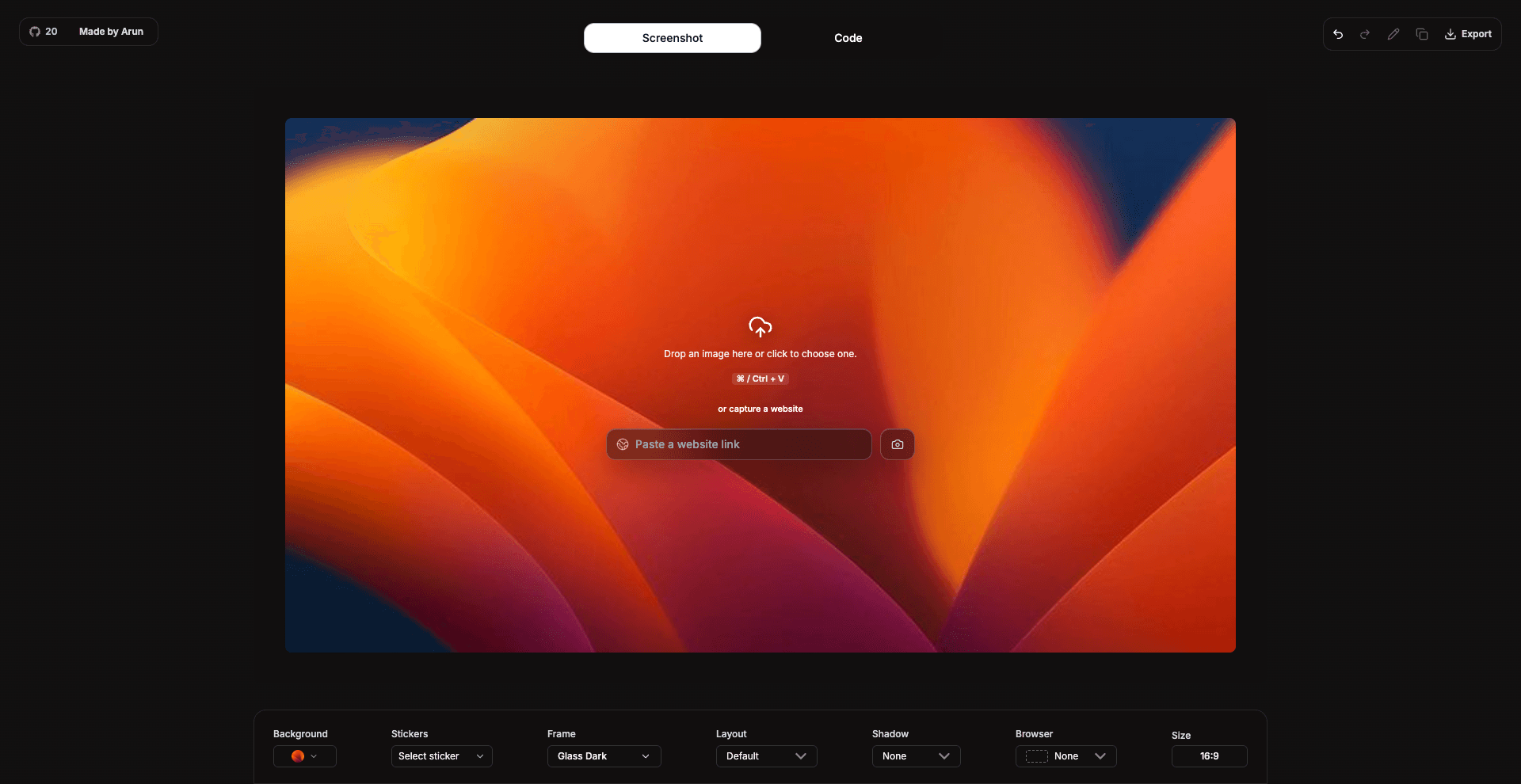
Drop in an existing screenshot or capture a website screenshot, then start polishing it right inside the browser.
100% Free | No Signup | No Watermarks
Beautify screenshots online with backgrounds, shadows, browser frames, blur, and markup. Export polished images from your browser without a watermark.
100% free | no signup | no watermark
Create cleaner product shots and tutorials with a screenshot background generator and simple editing tools in your browser.
Drop in an existing screenshot or capture a website screenshot, then start polishing it right inside the browser.
Add browser frames, rounded corners, shadows, background images, gradients, and multi-screenshot layouts.
Highlight important areas, hide private details, add stickers, then export crisp PNG, JPEG, or WebP files.
Fast workflow
Yes. Shotzly runs in the browser, so you can upload, style, annotate, and export screenshots online.
Yes. Shotzly works well for product launches, app previews, tutorials, documentation, landing pages, and social posts.
No. Screenshot exports are watermark-free, and you do not need to create an account to download them.